Your photos capture your life’s most precious moments — birthdays, vacations, weddings, and everyday smiles. But without proper care, these memories can fade, get damaged, or even disappear. That’s why following smart photo storage tips is essential to preserve your pictures for years to come. Whether you use printed photos from Kodak or digital albums from services like Rossmann or DM, keeping them safe ensures your stories live on.
Why Proper Photo Storage Matters
Photographs are more than just images — they’re emotional connections to your past. Over time, heat, humidity, and light can harm printed photos, while digital images can be lost due to technical failures.
Without careful preservation:
- Printed pictures can fade, stick together, or tear.
- Digital photos can vanish due to hard drive crashes or corrupted memory cards.
Proper photo storage prevents these risks and keeps your photos looking fresh, vivid, and ready to relive any moment.
Best Photo Storage Tips for Printed Photos
Printed photos require physical care to avoid deterioration. Here are some practical steps to ensure they last for decades.
Store in Cool, Dry, and Dark Conditions
Avoid sunlight and moisture at all costs. High humidity can cause mold or discoloration, while direct sunlight fades colors. Choose a cool, dry storage spot like a closet or drawer away from windows.
Use Archival-Quality Albums
Ordinary albums often contain acidic materials that can damage your prints over time. Instead, opt for acid-free or archival-quality albums from trusted brands. These prevent yellowing and sticking.
Tip: Choose photo albums with protective sleeves — especially if you print through Rossmann, DM, or Kodak Express, as their photo paper is designed for long-term preservation.
Handle Photos with Clean Hands
Oils from your fingers can leave permanent marks. Wash your hands or wear cotton gloves before touching prints. Always hold photos by the edges to avoid smudges.
Avoid Sticky Albums
“Magnetic” or adhesive albums may seem convenient, but their glue can damage prints over time. If you’ve used them, consider transferring your photos to safer storage albums.
Digital Photo Storage Tips
Digital photos are convenient — you can store thousands without taking up space. But they need careful backup and organization to prevent accidental loss.
Use Cloud Backup Services
One of the best photo storage tips for the digital age is to use cloud platforms. Services like Google Photos, Apple iCloud, or Amazon Photos automatically back up your memories. Even if your device is lost or damaged, your photos remain safe online.
Keep External Backups
Never rely solely on the cloud. Use an external hard drive or a reliable USB flash drive to store an additional copy. Brands like Seagate and Western Digital offer drives ideal for photo backup.
Pro Tip: Back up your images on two different devices — one local (like a hard drive) and one cloud-based — for extra safety.
Organize Your Folders and File Names
Save time later by labeling your folders by year or event (e.g., “2025_Family_Trip” or “Birthday_2024”). This makes it easier to find specific moments when you’re revisiting old memories.
Convert Old Formats
If you still have CDs or DVDs with old photos, transfer them to modern drives or the cloud. Optical discs degrade over time, and newer devices rarely support them.
Combining Printed and Digital Storage
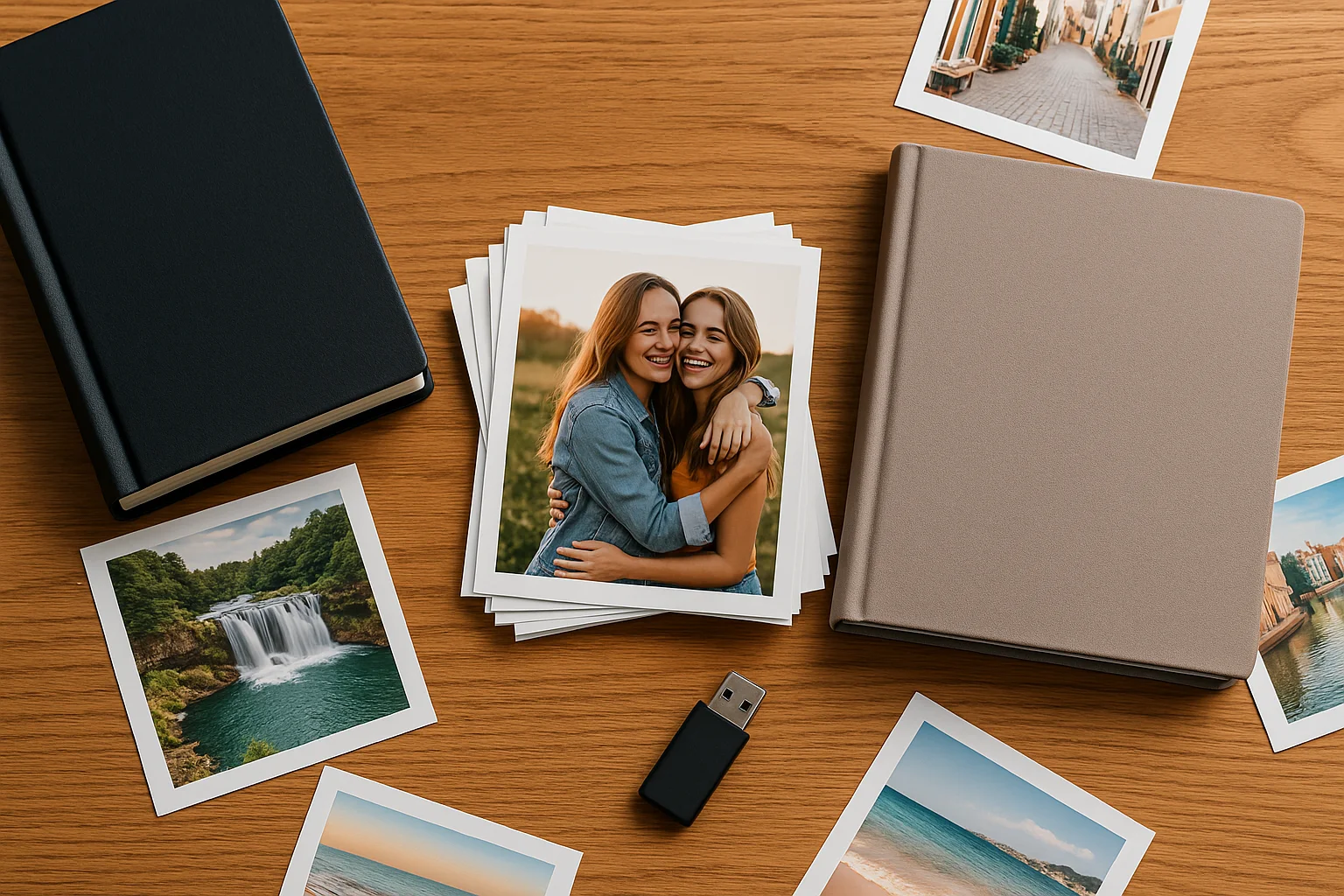
The best approach is to use both printed and digital formats together.
- Printed photos let you physically hold and display your memories.
- Digital photos give you convenience and redundancy.
Many people print favorite digital photos through Momentstransfer.com, Rossmann, or DM photo printing services for albums and gifts. Combining both ensures your memories are safe from any single-point failure.
How to Protect Old or Damaged Photos
If you have older photos already showing signs of damage, don’t worry — they can often be saved.
Digitize with Scanners or Apps
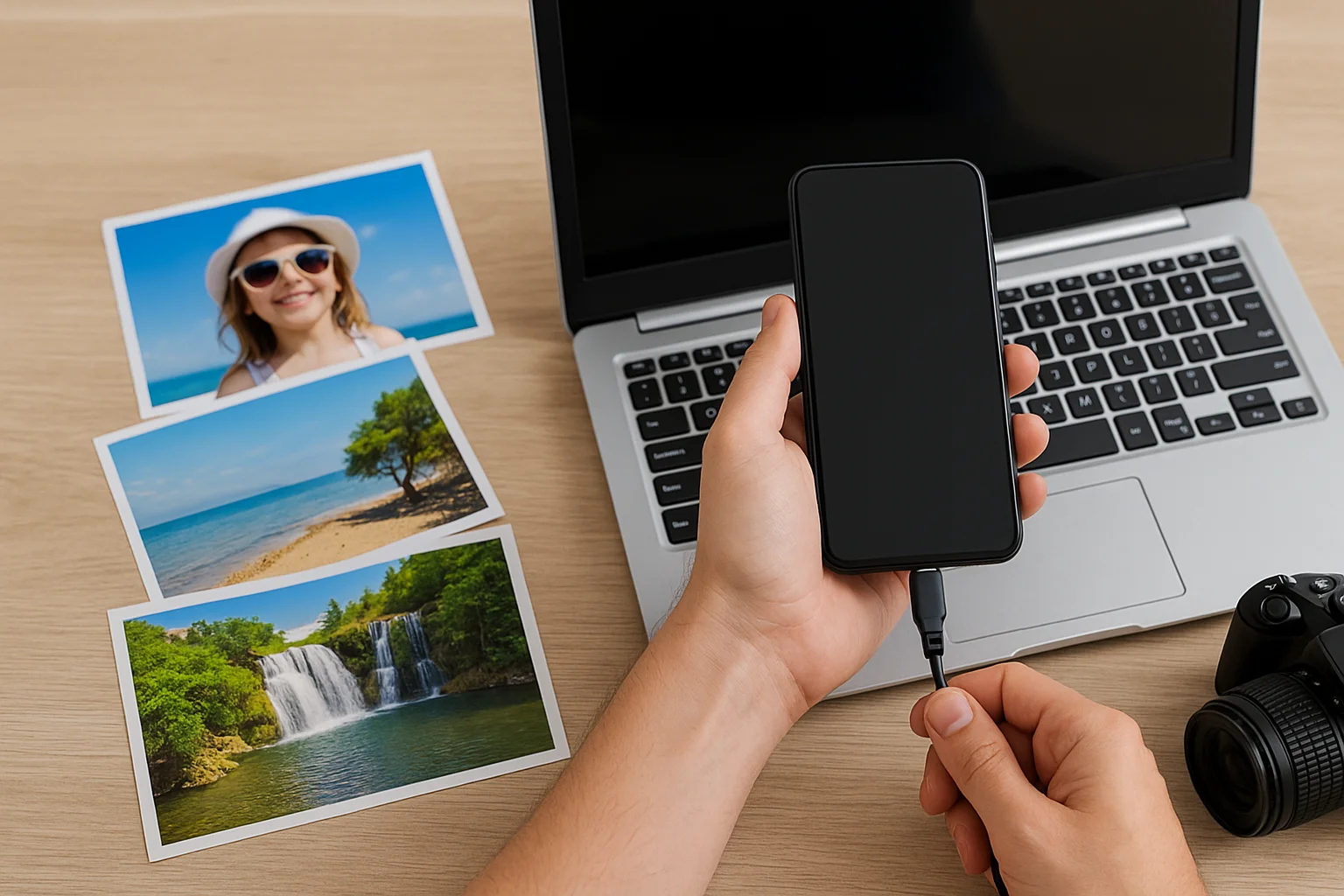
Use a high-resolution scanner or apps like Google PhotoScan to convert printed photos into digital copies. This helps you preserve even fragile pictures safely online.
Restore Professionally
For severely faded or torn photos, professional restoration services or photo studios (like Kodak Express) can bring them back to life using advanced editing and printing techniques.
Mistakes to Avoid When Storing Photos
Even small mistakes can harm your photo collection. Avoid these common errors:
- Storing photos in attics or basements (temperature changes cause damage).
- Using rubber bands or paper clips (they can scratch or tear prints).
- Relying on social media as storage (photo quality is often compressed).
Your photos deserve better than to sit forgotten on old drives or fading prints. Treat them like treasures — because they are.
Extra Tips for Safe Photo Printing and Sharing
If you print your photos at Rossmann, DM, or Kodak, choose matte or glossy finishes based on your environment. Matte is ideal for albums (less glare), while glossy offers vibrant wall display results.
When sharing memories online or with family:
- Use compressed copies instead of originals to keep storage light.
- Always save the master file separately for long-term safety.
Conclusion
Your photos hold priceless moments that can never be replaced. Following these simple yet effective photo storage tips ensures that your memories — whether printed or digital — remain as vivid and meaningful as the day they were captured.
Whether you use Momentstransfer.net for online photo printing or back up through the cloud, a little effort today can keep your cherished moments safe for generations to come.
FAQs
Q1. What’s the safest way to store printed photos?
Use archival-quality albums or photo boxes stored in a cool, dry, and dark place. Avoid adhesive albums or direct sunlight exposure.
Q2. Should I rely only on cloud storage?
No. Always keep at least two copies — one in the cloud and another on an external hard drive or USB.
Q3. How can I preserve old family photos?
Digitize them using a scanner or professional photo restoration service. Then store the digital versions safely in multiple locations.