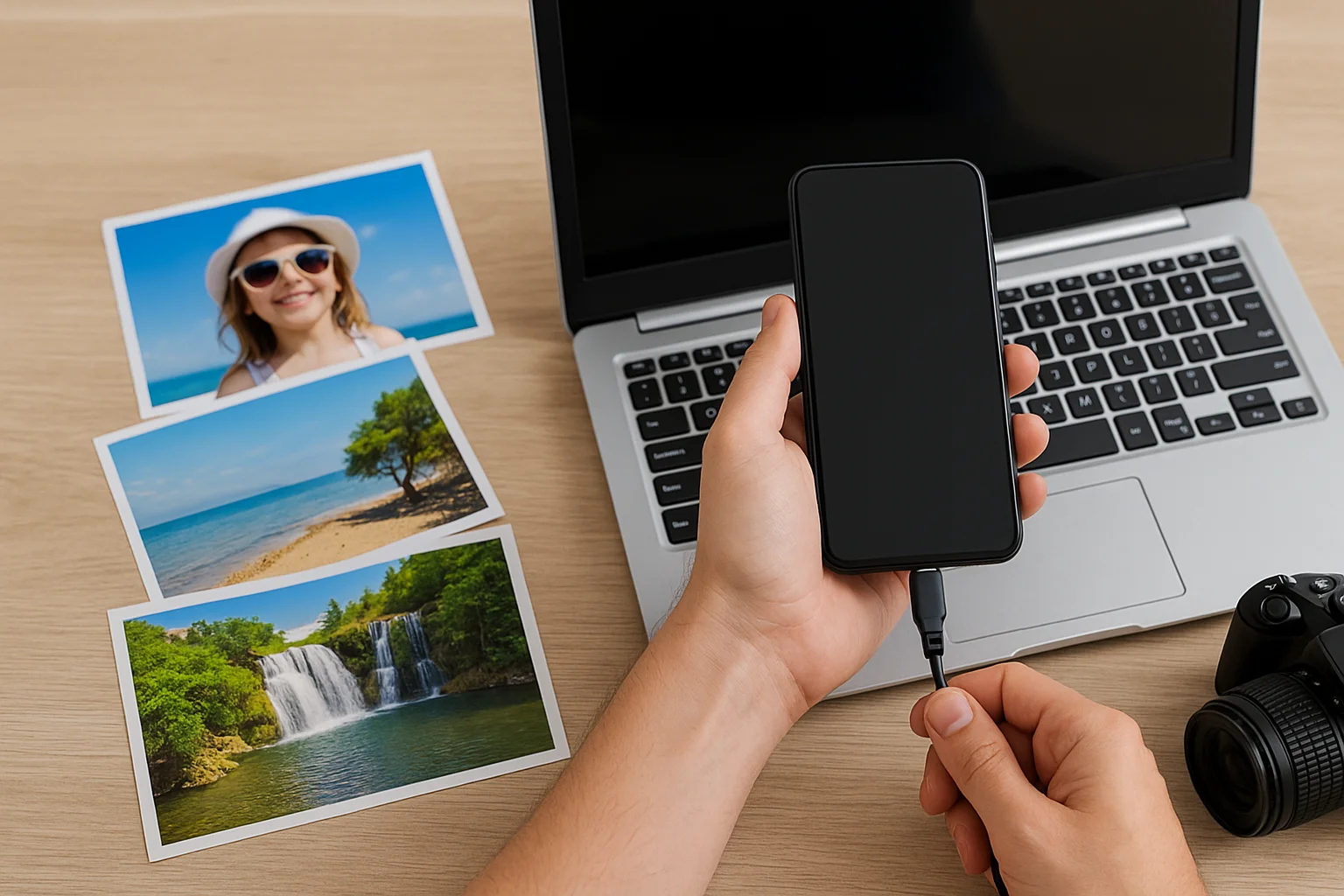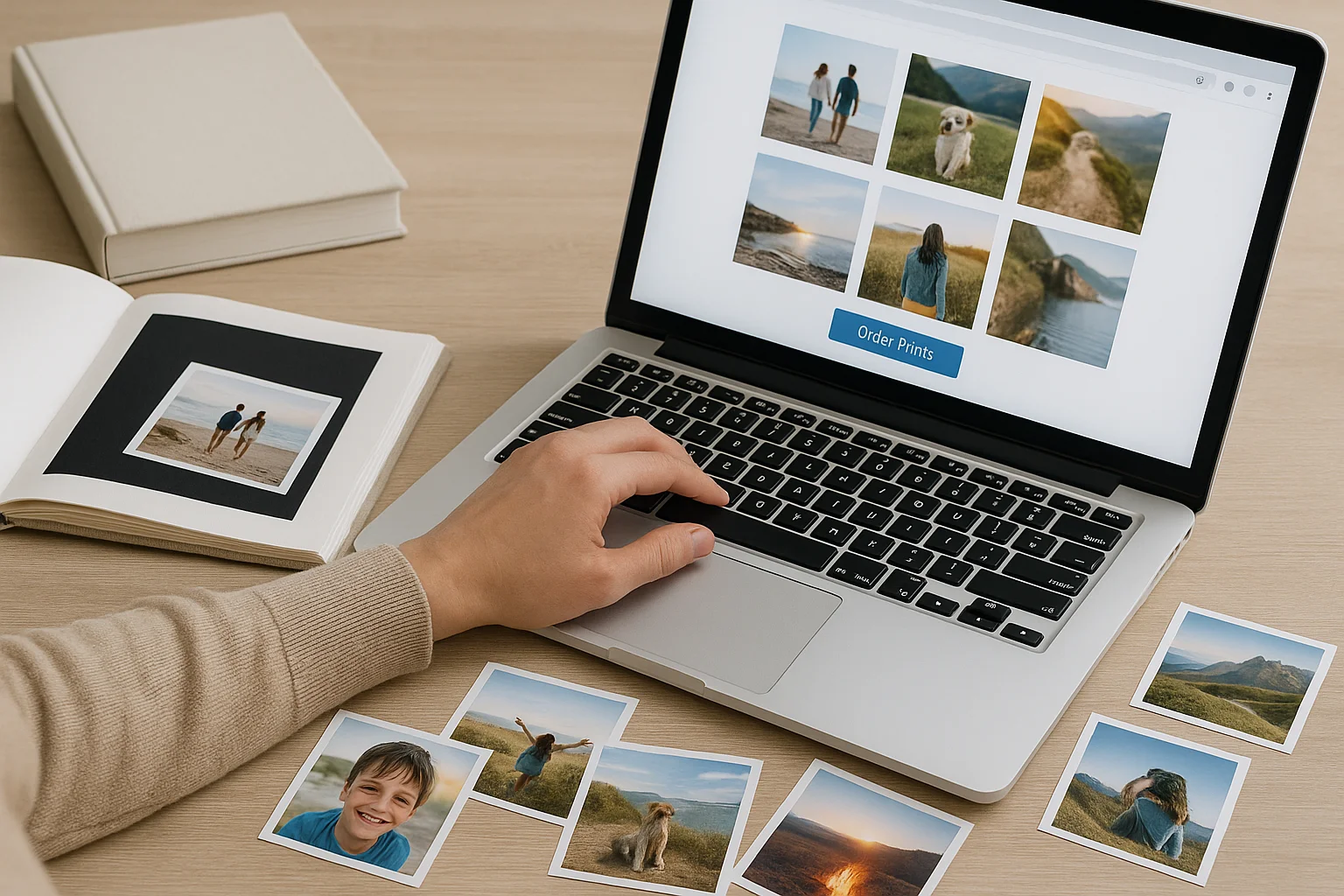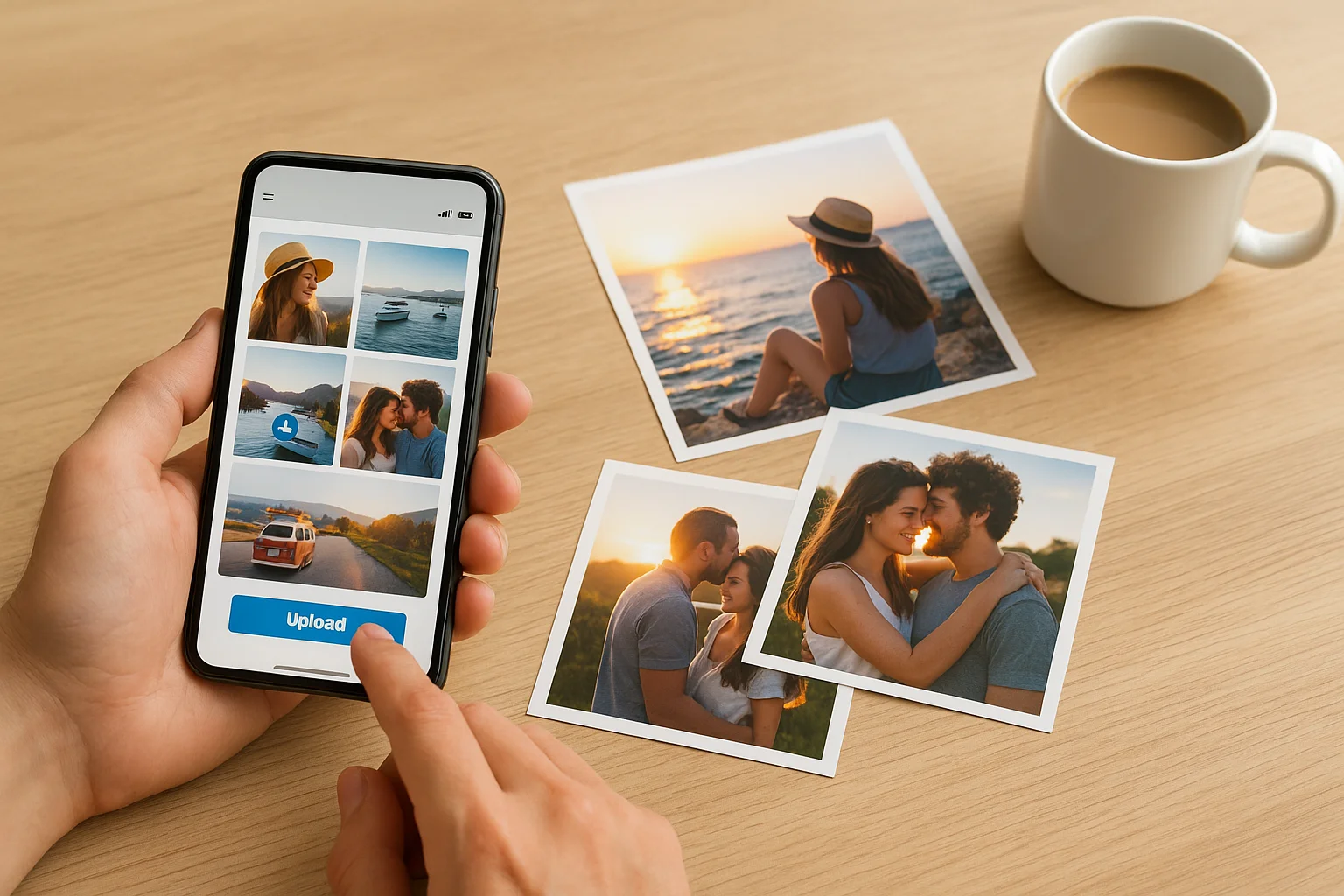
In today’s digital world, most of our memories live on our phones. From family vacations to everyday moments, we store thousands of photos that rarely see the light of day. But there’s something truly special about holding those memories in your hands. That’s where online photo printing services come in — they make it incredibly easy to print photos online directly from your phone, without visiting a store or using complicated software.
Whether you prefer Rossmann, DM, Kodak, or other trusted platforms, here’s a complete guide to help you turn your digital pictures into beautiful physical prints.
Why Print Photos Online from Your Phone?
Printing photos online saves time, effort, and often money. Instead of transferring files to a computer or visiting a store, you can simply upload photos from your phone and place an order in minutes.
Here’s why this method is becoming so popular:
- Convenience: Upload, select size, and order—all in a few taps.
- High quality: Professional labs like Rossmann or DM ensure sharp colors and durable prints.
- Delivery options: Choose between home delivery or in-store pickup.
- Wide range: Print standard photos, posters, or even photo gifts like mugs and calendars.
Step-by-Step: How to Print Photos Online
Let’s walk through the simple process of printing photos from your phone using online services.
Step 1: Choose a Trusted Photo Printing Service
Before printing, select a reliable platform that suits your needs. Some popular options include:
- Rossmann Photo Service: Great for high-quality glossy prints and same-day pickup.
- DM Photo World: Offers excellent value, variety, and quick delivery.
- Kodak Express Online: Known for vibrant colors and a professional finish.
Momentstransfer.net also guides users to trusted options and helps them make the best printing choices.
Step 2: Select and Upload Your Photos
Open your chosen platform and upload the photos you want to print. Most services allow direct uploads from:
- Your phone gallery
- Google Photos or iCloud
- Social media platforms like Instagram or Facebook
You can usually upload multiple photos at once, making the process quick and simple.
Step 3: Pick Print Size and Format
Once your photos are uploaded, it’s time to customize them. Choose from various print sizes such as 10×15 cm, 13×18 cm, or 15×20 cm.
You can also select:
- Glossy or matte finish
- Borders or full-bleed prints
- Square or panoramic formats
Some services even let you crop or enhance your photos directly in the app before printing.
Step 4: Choose Delivery or Pickup Option
Most online photo printing platforms offer flexible delivery choices:
- Home delivery: Have your prints sent straight to your doorstep.
- In-store pickup: Collect them from a nearby Rossmann, DM, or Kodak store, often the same day.
Delivery times vary, but standard orders usually take just a few days.
Step 5: Pay Securely and Confirm Order
After finalizing your selections, proceed to checkout. You can usually pay via:
- Credit or debit card
- PayPal
- Mobile wallet services
Once payment is confirmed, you’ll receive a tracking link or email notification when your order is ready.
Tips for Best Results When Printing Photos Online
If you want your prints to look as beautiful as the moments they capture, keep these simple tips in mind:
1. Use High-Resolution Photos
Avoid blurry or low-quality images. The higher the resolution, the sharper your printed photo will appear.
2. Check Lighting and Colors
Bright, natural lighting looks best in prints. Adjust brightness or contrast before uploading if needed.
3. Choose the Right Paper Type
Glossy paper enhances colors and shine, while matte finishes give a soft, elegant look. Choose based on where you plan to display the photos.
4. Test a Few Prints First
If you’re trying a new service, start with a small batch to check quality before ordering a large quantity.
5. Keep Originals Backed Up
Always save your digital photos in cloud storage or on an external drive before uploading.
Best Services to Print Photos Online in 2025
If you’re not sure where to start, here’s a quick overview of the best options currently available:
| Service | Highlights | Delivery Options |
| Rossmann | High-quality prints, easy app interface | Store pickup & delivery |
| DM Photo Service | Affordable, eco-friendly options | Store pickup & home delivery |
| Kodak Express | Vibrant color reproduction, global availability | Delivery & in-store pickup |
Each service has its strengths, but all three are reliable and trusted across Europe for printing photos online directly from your phone.
Why Online Printing Beats Traditional Methods
While you can still visit a store and use photo kiosks, online printing offers unmatched ease. It saves time, reduces hassle, and allows you to print from anywhere—home, office, or even while traveling.
Traditional methods often require USB drives or cables, while online services simply need an internet connection and your favorite memories ready to upload.
Common Mistakes to Avoid When Printing Photos Online
Even though printing photos online is simple, here are a few things to watch out for:
- Uploading screenshots: These often look pixelated when printed.
- Ignoring crop previews: Always check how your photo fits within the print dimensions.
- Not checking file names: Make sure each photo is correctly labeled to avoid confusion in your order.
A little attention to detail ensures your printed photos look perfect.
FAQs
1. Can I print photos online directly from my phone gallery?
Yes! Most services like Rossmann, DM, and Kodak allow you to upload photos directly from your phone’s gallery or cloud storage.
2. Are online photo prints as good as store prints?
Absolutely. In fact, online services often use the same professional equipment as in-store labs, offering identical quality.
3. How long does photo printing and delivery take?
Standard delivery takes about 3–5 days, but many services also offer express or same-day pickup options.
Conclusion
Printing your favorite memories has never been easier. Whether you’re using Rossmann, DM, Kodak, or other trusted providers, you can now print photos online directly from your phone within minutes.
With just a few taps, your digital snapshots transform into tangible keepsakes that you can frame, gift, or cherish forever. So don’t let your best moments stay hidden on your screen — bring them to life with high-quality prints that last.